Opening code
This guide is also in the app, under Help › Guide. The dotted names are buttons, panels and options there: in the app, clicking one lights up its place in the window. That only works in the app.
In the you can find the file explorer, along with other options for the files loaded onto the canvas. Click an in the side panel to open a section, and click it again to close it.
Local files
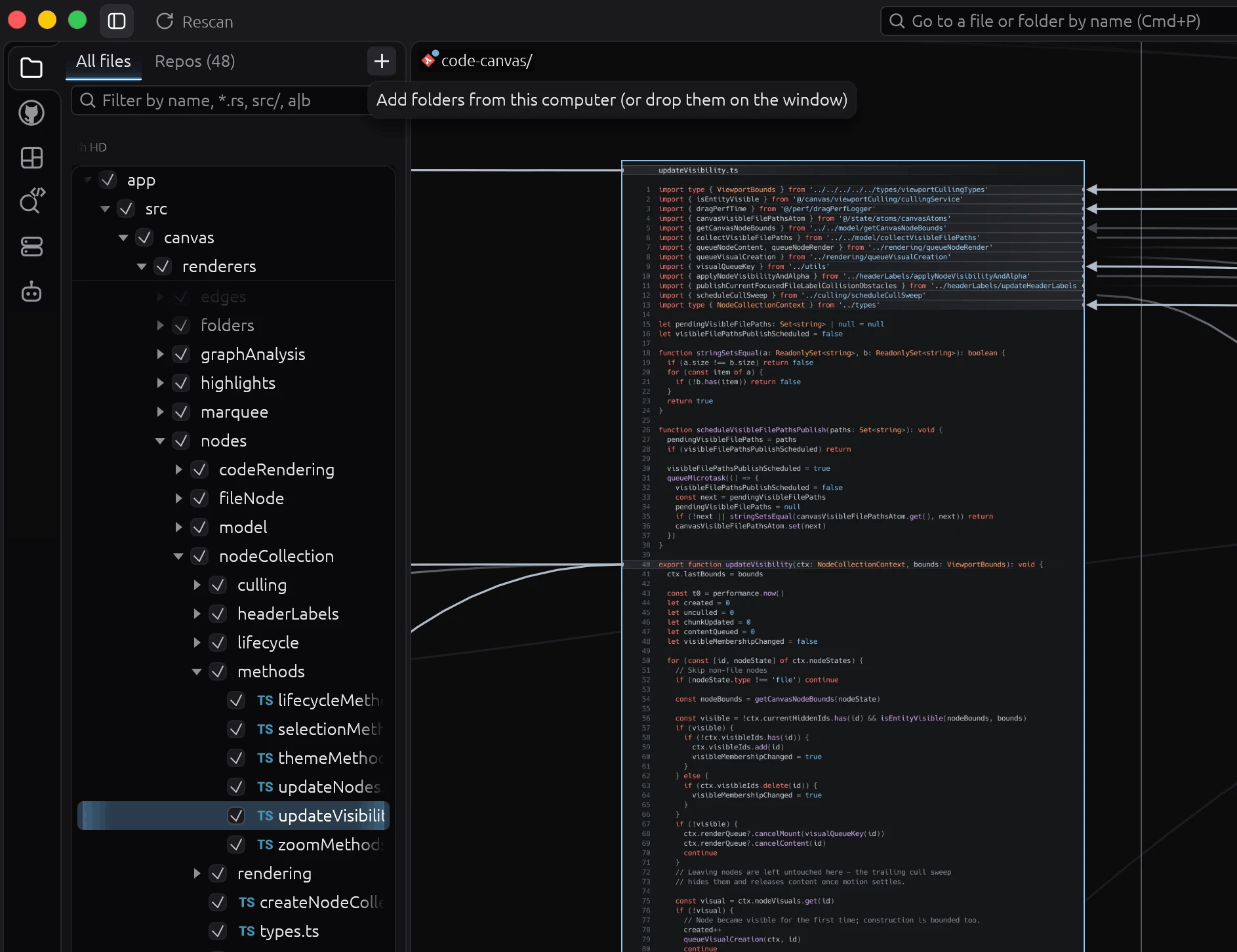
The tab (Cmd+Shift+E) shows the folders you added. To add a folder, click the , or drop the folder onto the window. Tick a folder's to put it on the canvas.
Use Local files for code you work on. It follows your edits as you save them, and it has the whole git history. It also loads faster than GitHub, and you can open much larger repositories.
Loading public GitHub repositories is free, and you can use all the features on them: code, dependencies, language servers, symbol outlines and MCP for agents.
Opening local folders requires a Pro plan, and so do a repository's commits and pull requests. Signing in with GitHub starts a two-week trial.
GitHub
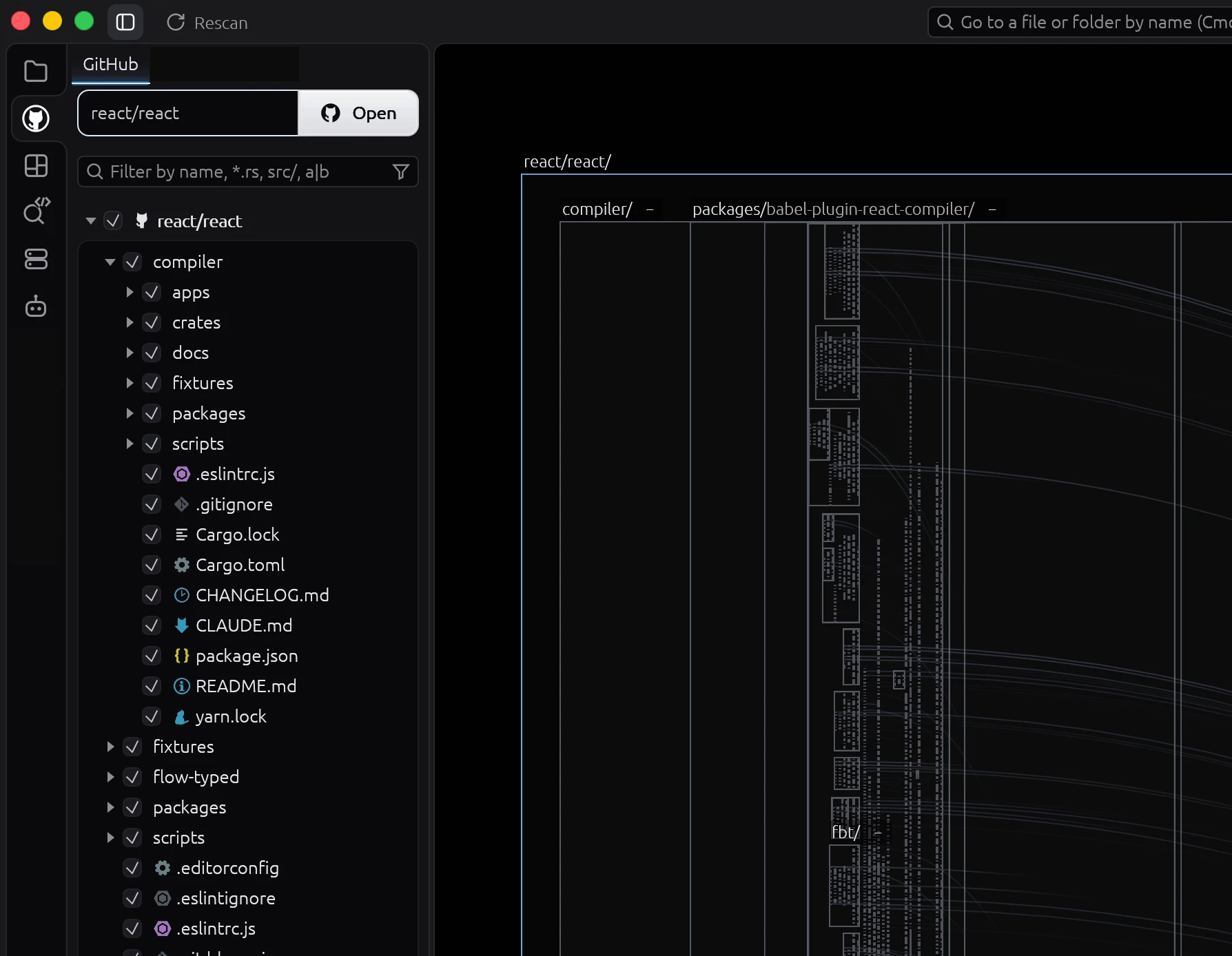
(Cmd+Shift+G) opens any public repository. Type owner/repo, owner/repo@branch or a github.com address.
With Pro, it also opens your private repositories. The first time, GitHub asks you to let Code Canvas read them.
Use it to look over a repository you don't have on your computer. It is downloaded first, so it takes longer to open. Its commits and pull requests come from GitHub when you open them in its panel.
Each repository stands on its own, beside your folders, while its box is ticked. It stays there even when a folder you added holds its download, as your whole disk does.
Adds a folder of this machine to Local files, ticked, so it shows on the canvas as a tree map. From the palette, Local files opens to choose one.
In the app:
Takes the folder off the canvas, as unticking it in the file tree does.
In the app:
Takes everything else off the canvas, leaving this folder alone.
In the app:
Opens Local files' tree down to the block selected (or given), selected there.
In the app:
Shows the code in the folder's files, all at one size.
In the app:
Analyzes which of the folder's files depend on which, draws those edges and lays its code out by them. Shows it as code first.
In the app:
Shows edits to the folder's code files as they are saved.
In the app:
The folder's cards' declarations: guides beside them, names when the text is too small.
In the app:
Adds a rule to Tree map › Skipped as code that leaves a file or folder inside a folder shown as code out of code view, as if typed there: a folder stays a closed tile, a file is no card.
In the app:
Groups a repository shown as code by its folders, or by the namespaces its files declare (C#, Java, Kotlin, PHP and C++), once its dependencies are analyzed: the files declaring one leave their folders for purple namespace groups, each in the deepest folder holding all its files, and the rest stay in their folders. A file declaring several goes where they meet.
In the app:
Reads the folder's files and folders again from the disk.
In the app:
Downloads a repository (a private one with Pro) and puts it on the canvas, shown as code by its dependencies. From the palette, GitHub opens to type one.
In the app: