Quick Start
Open Files on the Canvas
Open the Command Palette (Cmd/Ctrl+Shift+P) and run Open Code Canvas.
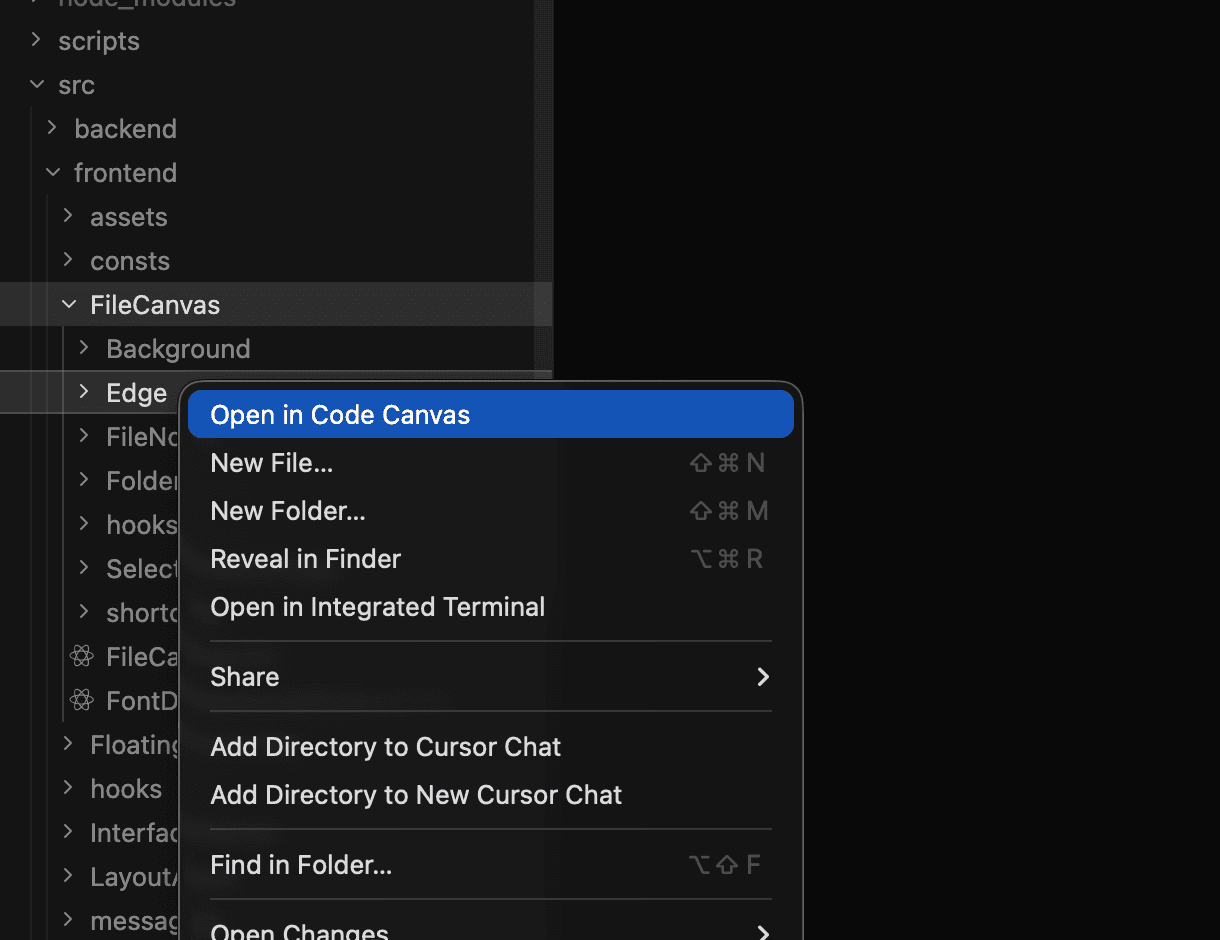
Right-click on a file or folder in the VS Code Explorer and click "Open in Code Canvas".
Navigate the Canvas
| Action | How |
|---|---|
| Pan | Hold Spacebar and drag |
| Zoom | Cmd/Ctrl + scroll wheel |
| Zoom on mouse location | F |
| Fit to view | Shift+F |
| Select all | Cmd/Ctrl+A |
Quick Actions
| Shortcut | Action |
|---|---|
| Alt/Option+Click | Open file in VS Code |
| Delete or Backspace | Remove selected nodes |
| Shift+O | Open all changed files |
Use the Action Bar
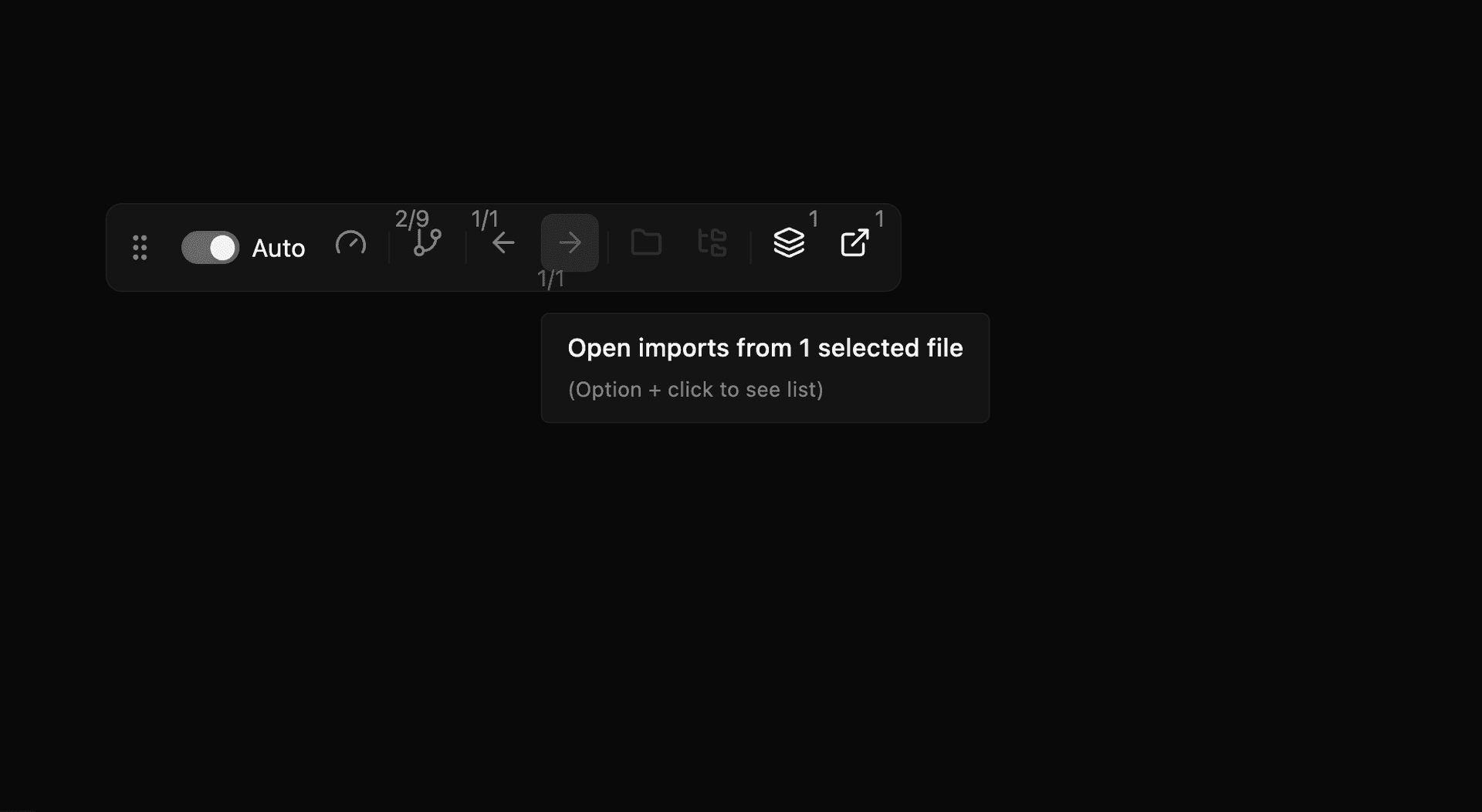
The floating action bar on the left provides quick access to:
- References - Find files that import the selected file
- Imports - See what the selected file imports
- Folder Files - Add sibling files for context
Explore Code Relationships
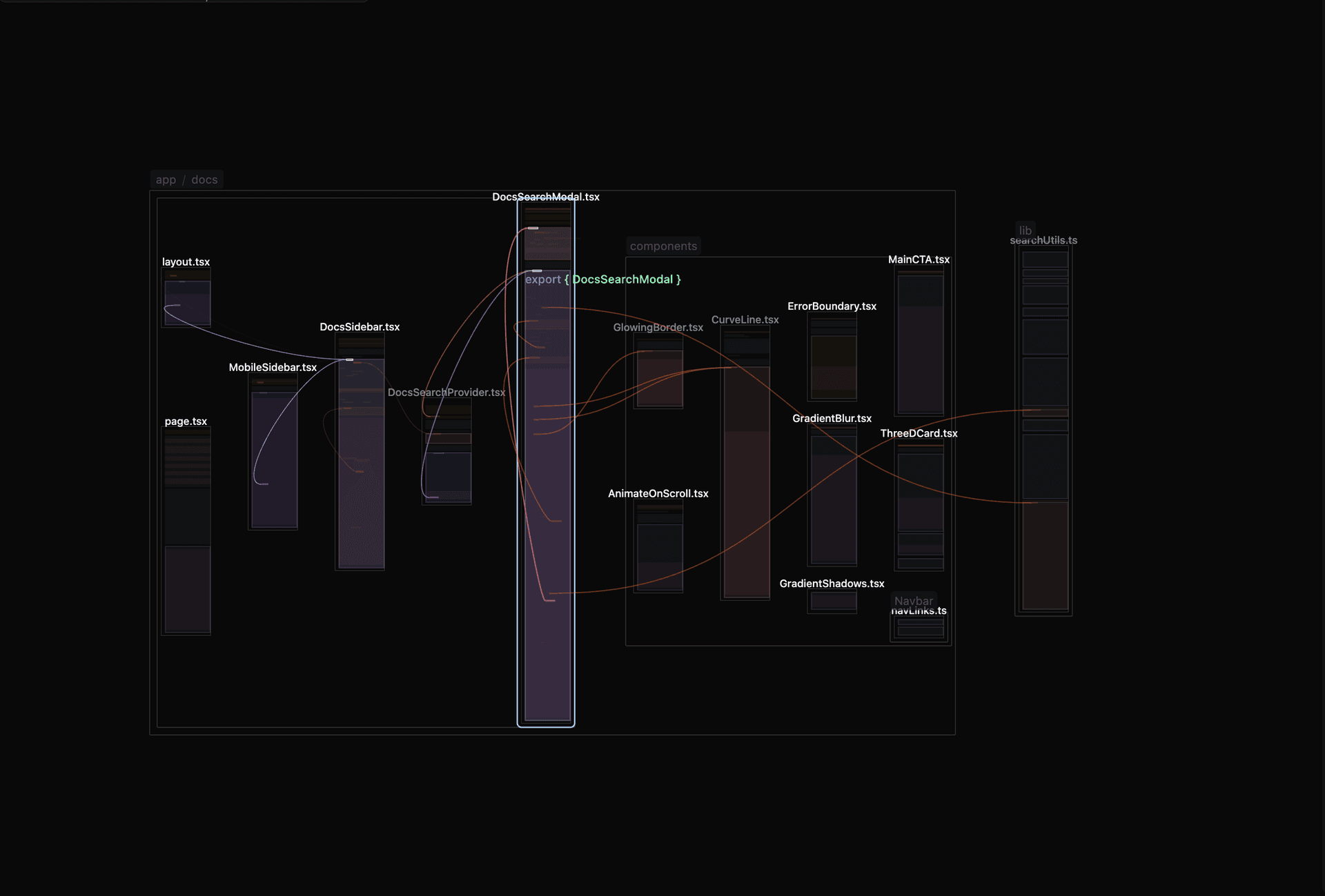
- Ctrl/Cmd+Click on a function or variable to show the references
-
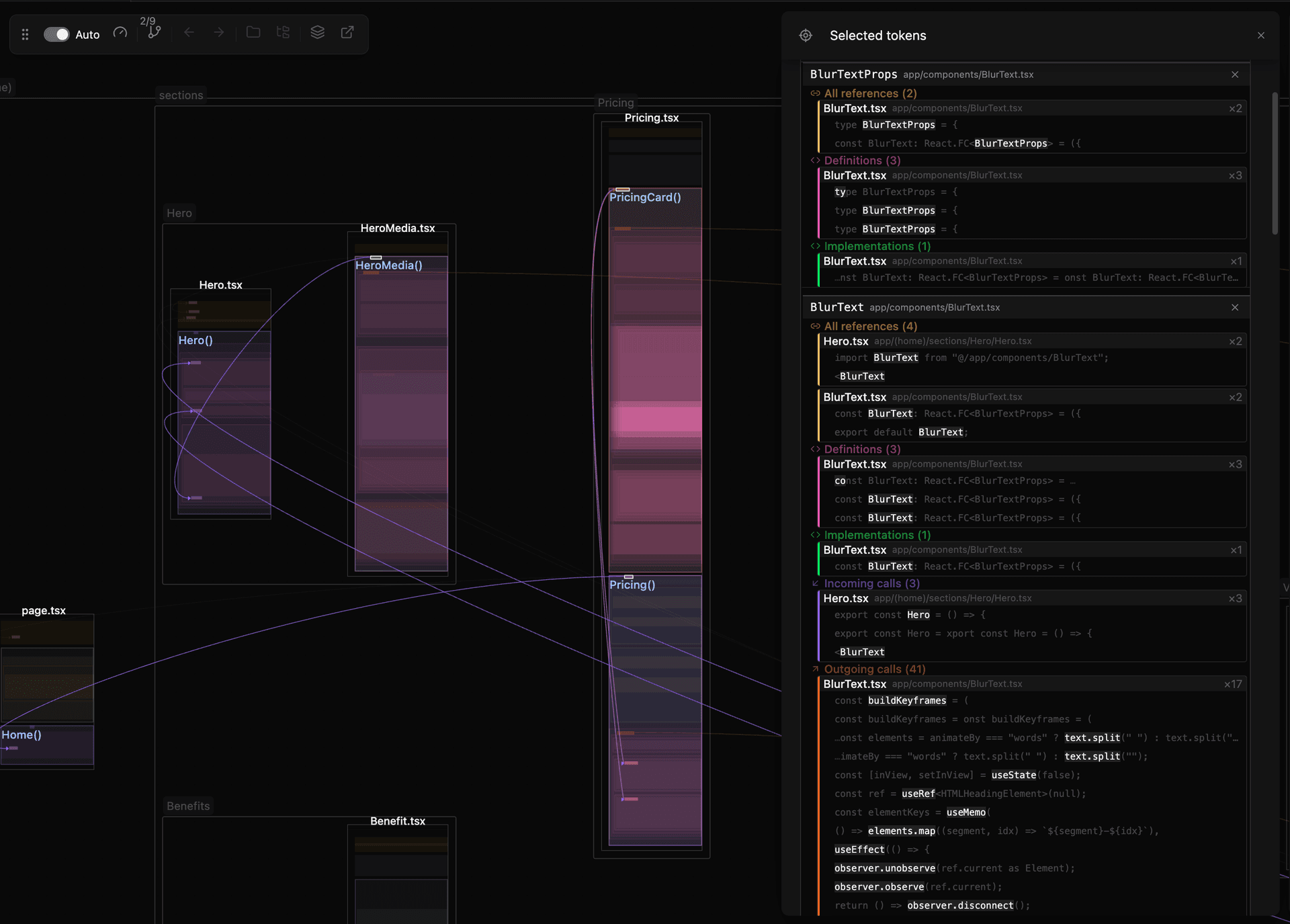
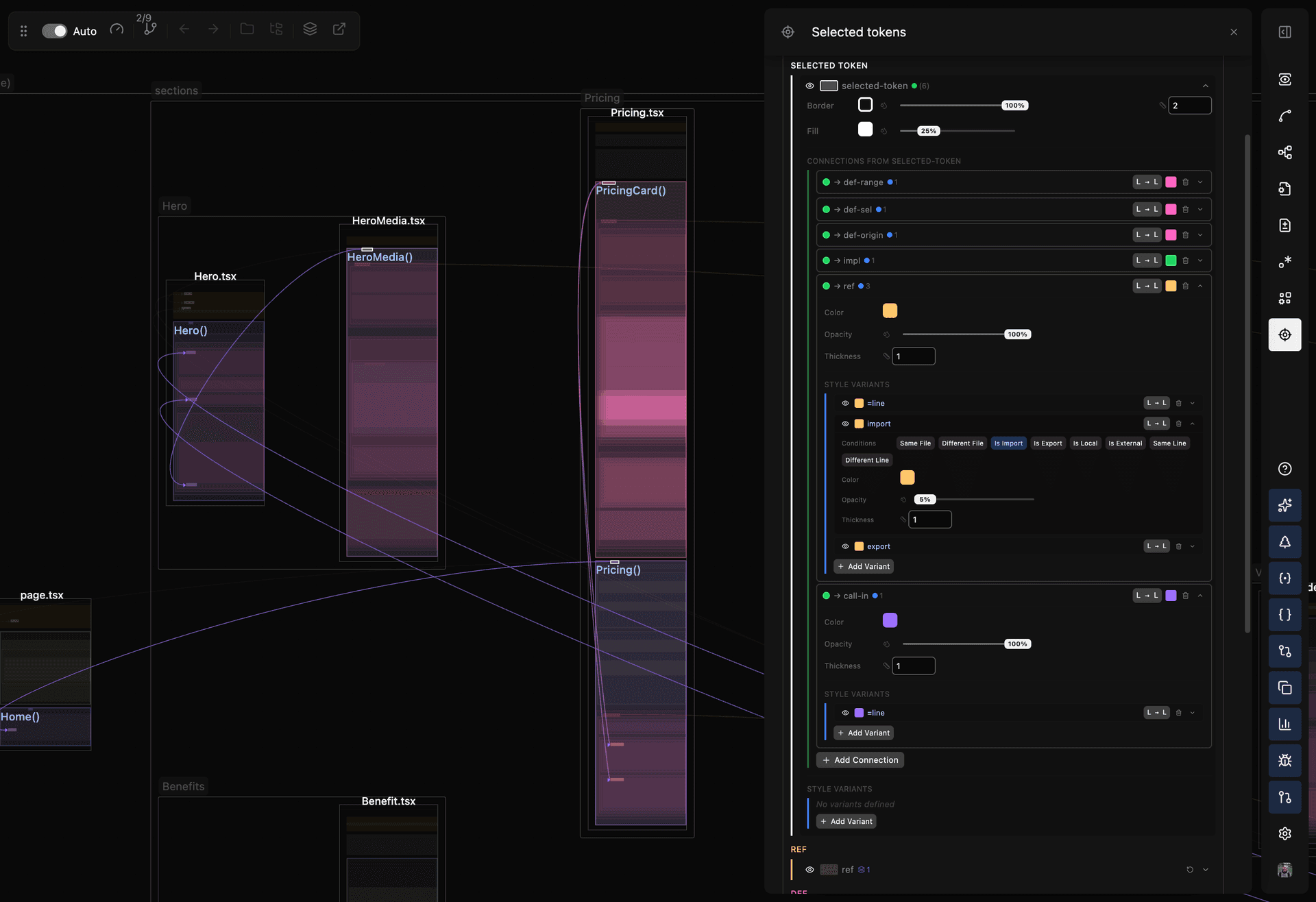
Press T to open the Token Details panel
-
The panel shows definitions, references, implementations, as well as the call hierarchy for the selected token
- You can customize how those are displayed (learn more)
Get Help
Press Cmd/Ctrl+/ to open the in-app help panel with the current shortcuts list.
Next Step
- Visualizing Connections - Understand edges and handles